Shows one folder
Point it at a folder — internal storage, an SD card, a USB stick. It reads that folder and nothing else, and notices when you add photos to it.
Android 5.1 and up · 3.1 MB · GPL-3.0
It turns on. The battery is tired and the browser gave up years ago, but the screen is fine. RetroFrame is a free, open source app that turns an old Android tablet into a digital photo frame — pointed at one folder, showing your photos, asking nothing of you.
No account. No cloud. No analytics. The app doesn't have the
INTERNET permission, so it can't phone home.





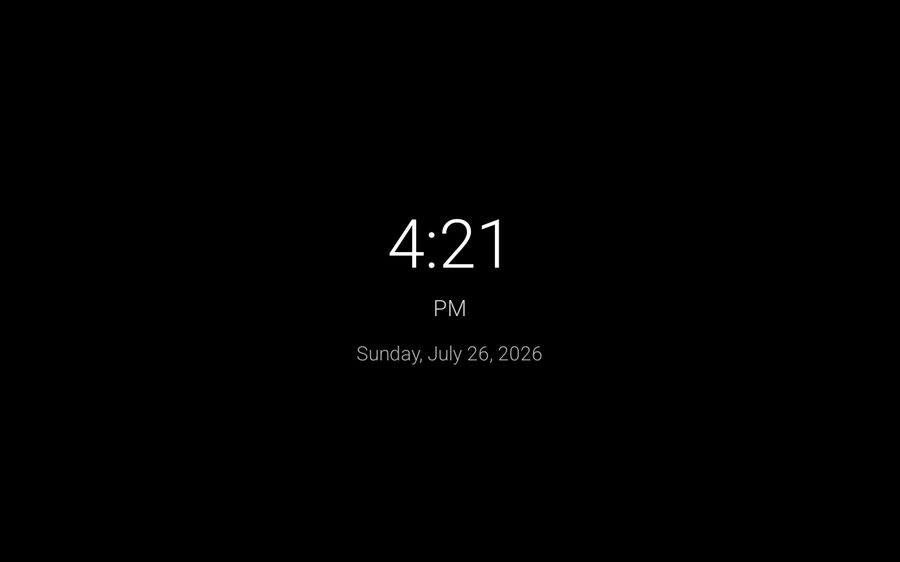
Live preview — that's the real clock. Tap the screen.
Before you install it
This build has never run on a physical tablet. It compiles, passes 30 unit tests, minifies cleanly and passes lint — but a green build only proves the code is well-formed, not that a 2014 storage provider behaves the way it assumes. It's published so that it can be tested.
Every known defect is written down in the open, including that one.
Point it at a folder — internal storage, an SD card, a USB stick. It reads that folder and nothing else, and notices when you add photos to it.
JPEG, PNG, GIF, WebP, HEIC. MP4, MKV, WebM, MOV — muted by default, played to the end, then it moves on.
Screen on at 07:00, big clock and screen off at 23:00. It restarts itself after a power cut, which is the failure mode a shelf device actually has.
Tap the heart and that photo comes around about three times as often — spaced out, so it never repeats back to back.
Fullscreen, no status bar, no navigation bar. Controls stay hidden until you touch the screen, then leave again.
The target is a 2015 tablet with slow storage and a single hardware video decoder, not a phone that happens to run it.
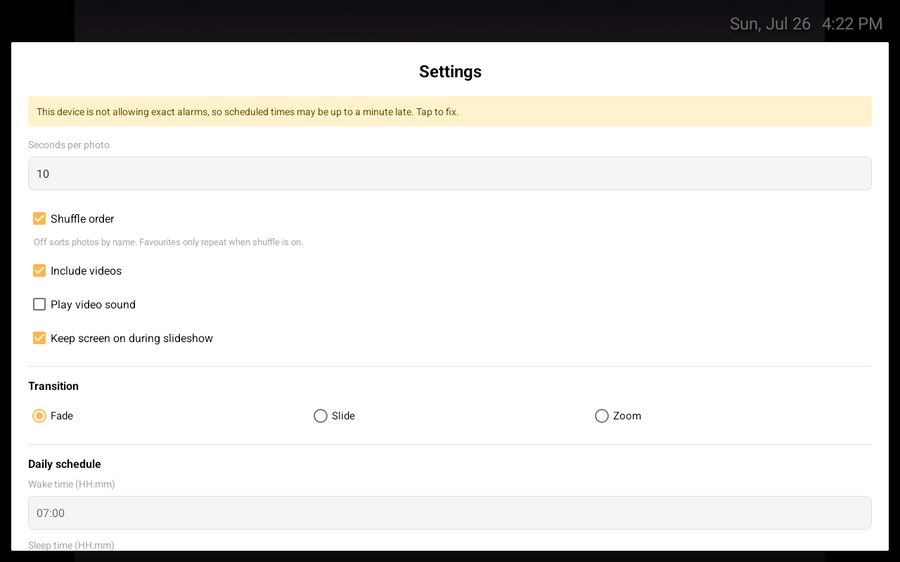
Captured on a 1280×800 tablet — the panel this app was written for.
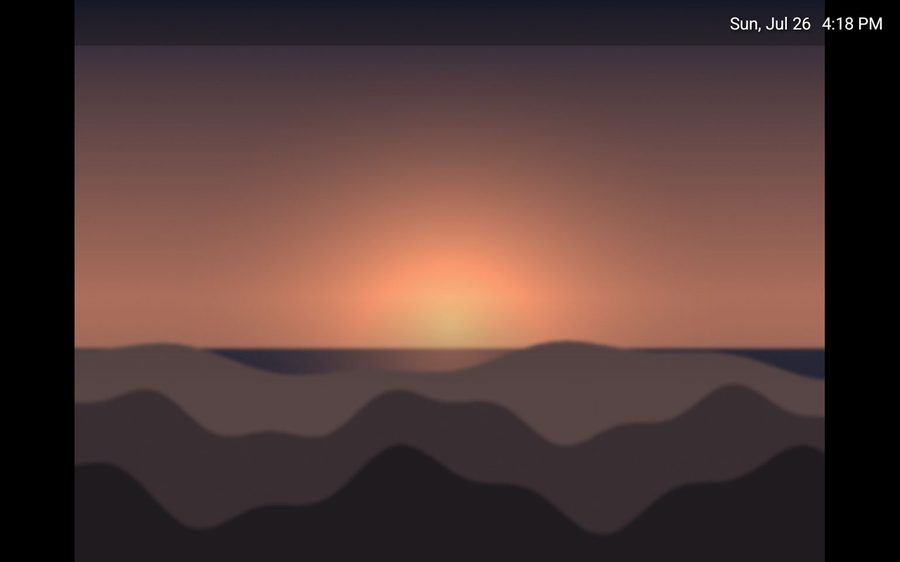
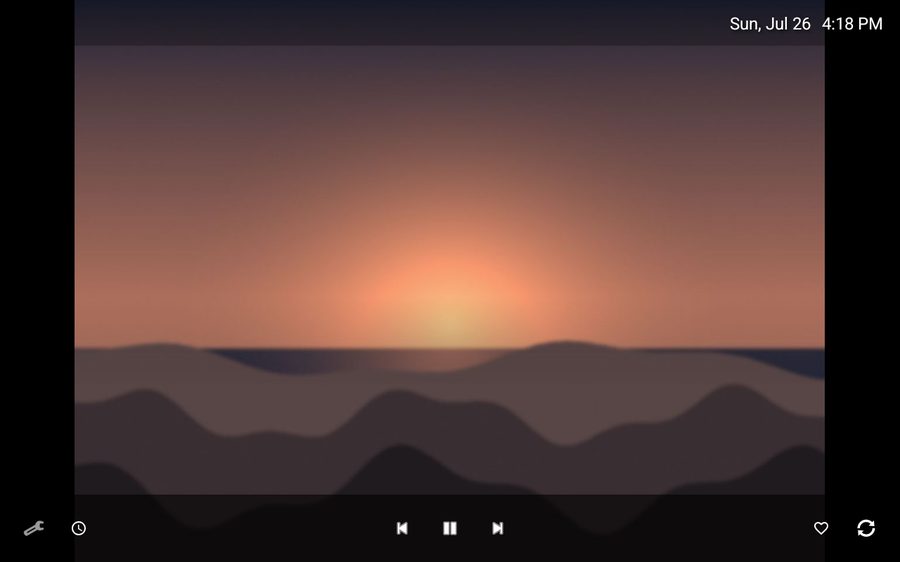
Four steps, about ten minutes, most of which is finding the cable.
Plug it into your computer and pick File transfer on the tablet
when the USB notification appears — otherwise the computer only sees a charging
device. Then copy your photos into Pictures.
An SD card works too, and is ideal: it keeps the photos off the small internal storage, and you can pull the card out to change the collection later.
Copy it across and open it, allowing installation from unknown sources when asked. Or over USB:
adb install -r retroframe-v0.3.0.apk
RetroFrame explains what's about to happen, then opens Android's folder browser
already inside Pictures. Open your folder, tap Use this
folder, then Allow. It keeps permission to that one
folder — not to your files in general.
If Android says "Can't use this folder", you've selected the top level of
storage or the Downloads folder — it blocks both for every app. Open a folder
inside it, or put your photos in Pictures.
Tap the screen, open settings, set a wake and sleep time in 24-hour
HH:mm. Turn on auto-start so a power cut doesn't leave a black screen.
Then put it on a shelf and forget about it.
Heat kills batteries. A tablet permanently charging with a bright screen runs hot, and the battery will swell over months. Use the sleep schedule, turn the brightness down, give it air. If you can run it with the battery removed, do.
Turn off the lock screen, or the wake schedule lands on it instead of your photos.
Photos in subfolders are found too. Point RetroFrame at the folder
above 2019 and Holidays and it looks inside, five levels deep.
Version 0.2.0 was a rewrite. The features didn't change; how they work did. These are the measurements that drove it. Version 0.3.0 added what a device left on a shelf for years actually needs.
setExactAndAllowWhileIdle arrived in API 23. The app's minimum is
API 22. Every scheduled alarm would have thrown on Android 5.1 — the oldest
version it claims to support, and the hardest to get hold of to test. Lint found it;
nothing else would have.
DocumentFile.listFiles() looks like one call. It queries for the child
IDs, then charges another round trip across a process boundary for every
property of every file. That's where the 1,500 calls came from — and it ran
on a timer.
Plenty of apps say they don't collect anything. This one doesn't declare the
INTERNET permission, so the operating system won't let it open a socket
even if a future contributor tried. The claim is checkable in the manifest.
Make it a digital photo frame. A tablet is already a screen, a power socket and some storage, which is the entire hardware of a photo frame that would otherwise cost real money. The battery being tired doesn't matter, because it lives on a charger.
Yes. You need an app that fills the screen, hides the Android interface, keeps the display awake and starts itself after a power cut. That is what RetroFrame does, and it is free.
Android 5.1 (Lollipop) or newer. Check Settings → About tablet → Android version. Most photo frame apps require far newer Android and quietly exclude the exact devices worth reusing; RetroFrame goes as low as the folder-picking API allows.
None of the three. RetroFrame doesn't declare Android's INTERNET
permission at all, so it physically cannot reach a network — your photos never leave
the tablet. There is no account, no subscription and no advertising.
Plug it into your computer with a USB cable and choose File transfer
on the tablet when the notification appears, then copy your pictures into the
Pictures folder. An SD card works too and is easier to change later.
Full walkthrough in the
setup guide.
It should — Fire OS 5 and later are built on Android 5.1+, and sideloading an APK works normally without the Play Store. Fire tablets are among the most common devices sitting unused, so reports from them are especially welcome.
Heat is the real risk, not use. Set a sleep schedule, turn the brightness down and give it airflow. On AMOLED tablets a permanently static overlay can burn in, so the schedule matters more there. See choosing a tablet.
Yes, GPL-3.0. You can read every line, build it yourself, and change it. If you distribute a modified version you must share your changes under the same licence.
Verify what you're installing
9ce964fb0b4e2ec9a2211e4a6dc0924236ae6f033e6d45ad55f5246f53d813e0
SHA-256 of the APK. Run sha256sum on the file you downloaded and
compare — or build it yourself from source and skip trusting anyone.